Key Icon on Android Screen: What It Means and How to Remove It
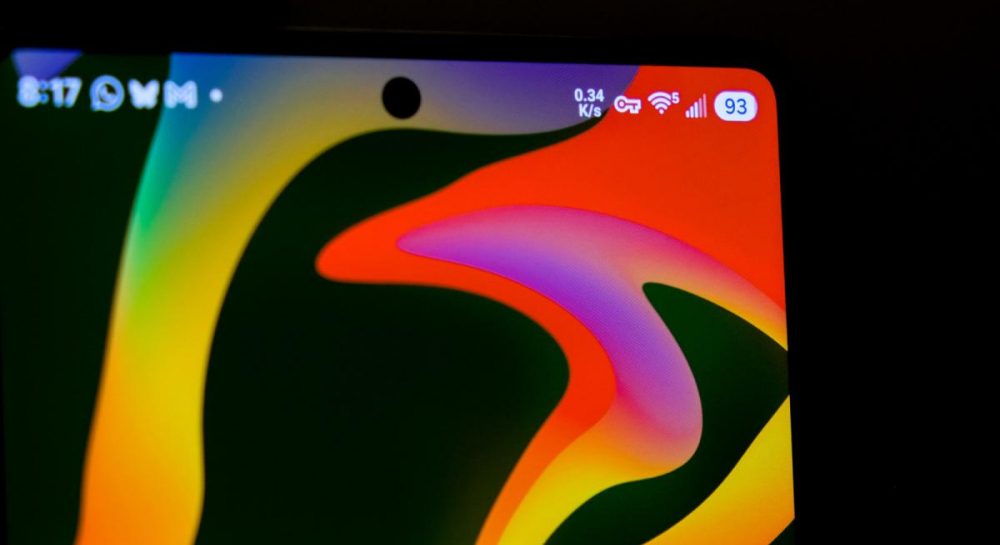
The appearance of a small key symbol in the top panel of Android smartphones often raises questions, but this indicator actually confirms an active and secure VPN internet connection.
 💡Tech
Photo: UNIAN
Key points
- The key icon on Android indicates an active VPN connection.
- It confirms traffic encryption and hides the user's real IP address.
- Most devices do not allow hiding this security icon while VPN is active.
- Samsung users can customize status bar indicators using the QuickStar module.
Modern Android-based mobile devices regularly display various symbols and icons in their status bar, the purpose of which is not always immediately clear to users. Among these elements, a miniature key icon with two prongs frequently causes confusion or concern. As experts point out, this indicator does not signal a system error or a device compromise; on the contrary, it confirms that your internet connection is secure and encrypted.
Understanding the VPN Indicator
The key icon appears in the status bar for one specific reason: a Virtual Private Network (VPN) service is currently active on the device, encrypting all incoming and outgoing internet traffic. As long as this key remains visible on the screen, your real IP address is hidden from third parties, and your personal data is protected when connecting to public Wi-Fi networks in urban areas or public spaces.
Developers intentionally block the ability to hide this key symbol on most Android devices for security reasons, ensuring that users can always see whether encryption is running in the background. The only notable exception applies to Samsung Galaxy owners, who can use the proprietary Good Lock application and the QuickStar module to customize notification panel icons. Otherwise, the simplest way to remove the key from the screen is to turn off the VPN connection within the phone's settings.
Source UNIAN — unian.ua/techno/gadgets/znachok-klyucha-u-paneli-na-android-za-shch… ↗
Read next
 🛡️Security
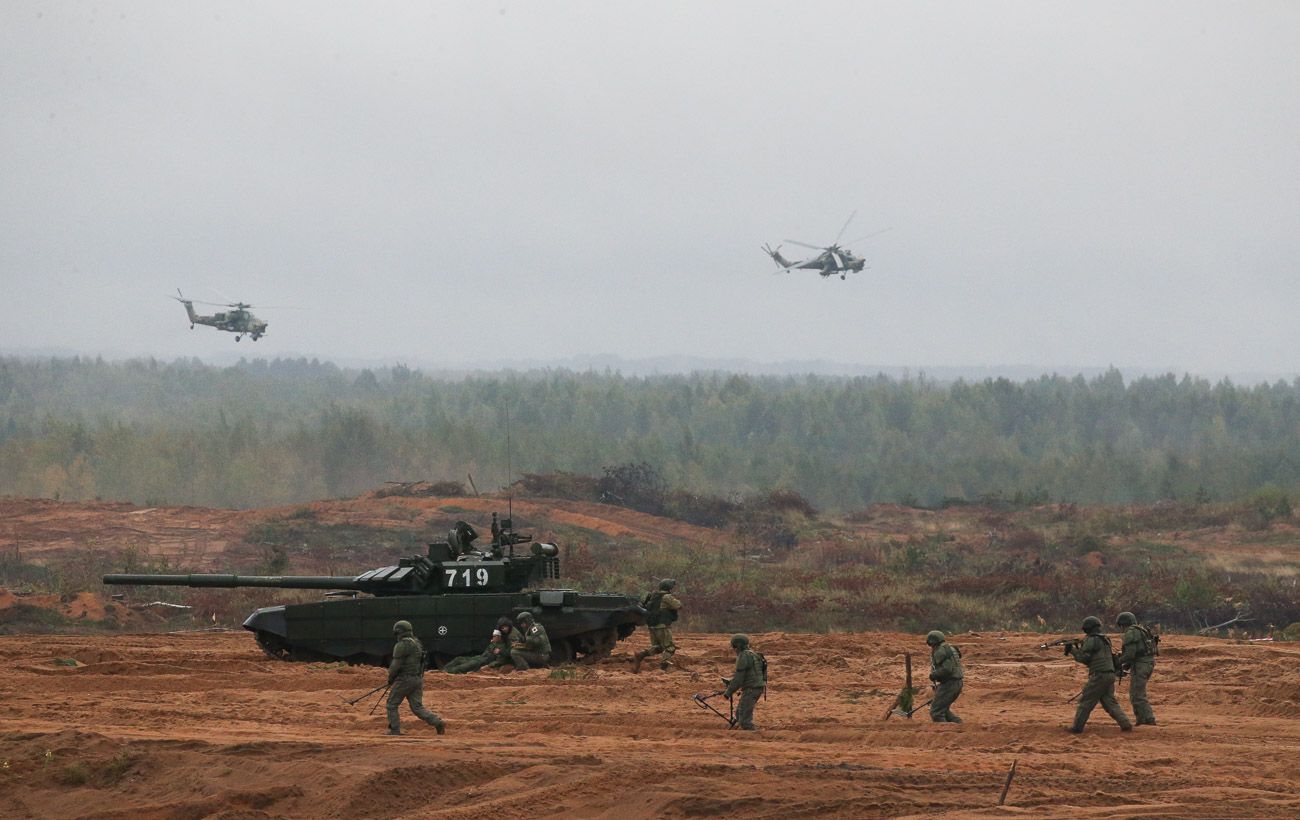
Russia Expands Military Infrastructure 60km from Finnish Border
Satellite imagery reveals significant reconstruction at the Kamenka garrison near the Finnish border, aimed at housing an expanded motorized rifle division.
 🇺🇦Ukraine
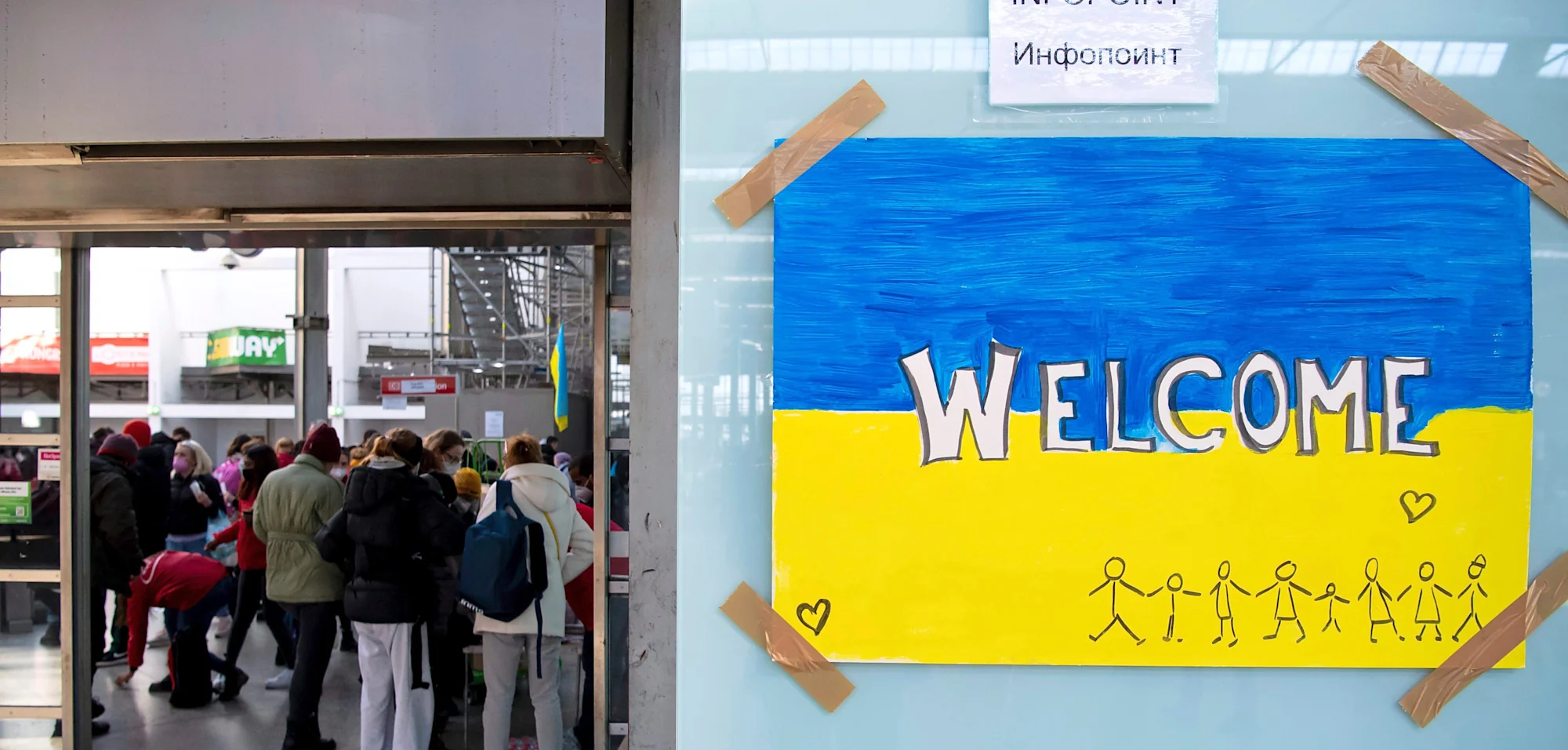
Munich to Repurpose Former BMW Offices as Housing for Ukrainian Refugees
Munich city authorities have leased part of a former BMW administrative complex to accommodate 600 refugees, primarily from Ukraine.
 🧠AI Analysis
Risk of Personnel Collapse: How ArcelorMittal Kryvyi Rih Shutdown May Change Deferral Rules
Due to a forced production halt, thousands of metallurgists risk losing their mobilization deferrals, prompting calls for the government to revise economic booking criter…
 🛡️Security
Oleksandr Syrskyi Outlines Three Lessons of War for International Security
Former Commander-in-Chief of the Armed Forces of Ukraine Oleksandr Syrskyi shared three fundamental lessons learned from the war in Ukraine at the Halifax International S…
 👥Society
New Veterans Hub Nears Completion on Koniakina Street in Lutsk
A new veteran space is preparing to open in Lutsk, headed by veteran Oleksii Kushnier. The project was implemented through co-financing from the state, regional, and city…
 ⚽Sport
ATP Finals Review: Carlos Alcaraz Triumphs and New Challengers Emerge
Spanish tennis star Carlos Alcaraz claimed an undefeated victory at the ATP Finals, showcasing his dominance in men's tennis.